Microsoft tailors Windows for Nvidia’s Arm‑based RTX Spark laptops
Microsoft and Nvidia launch Arm‑powered laptops that promise two‑click AI agent installs and gaming‑ready emulation, a key move for AI‑centric business fleets.
 BuildPreview AI Desk
5 min read
BuildPreview AI Desk
5 min read
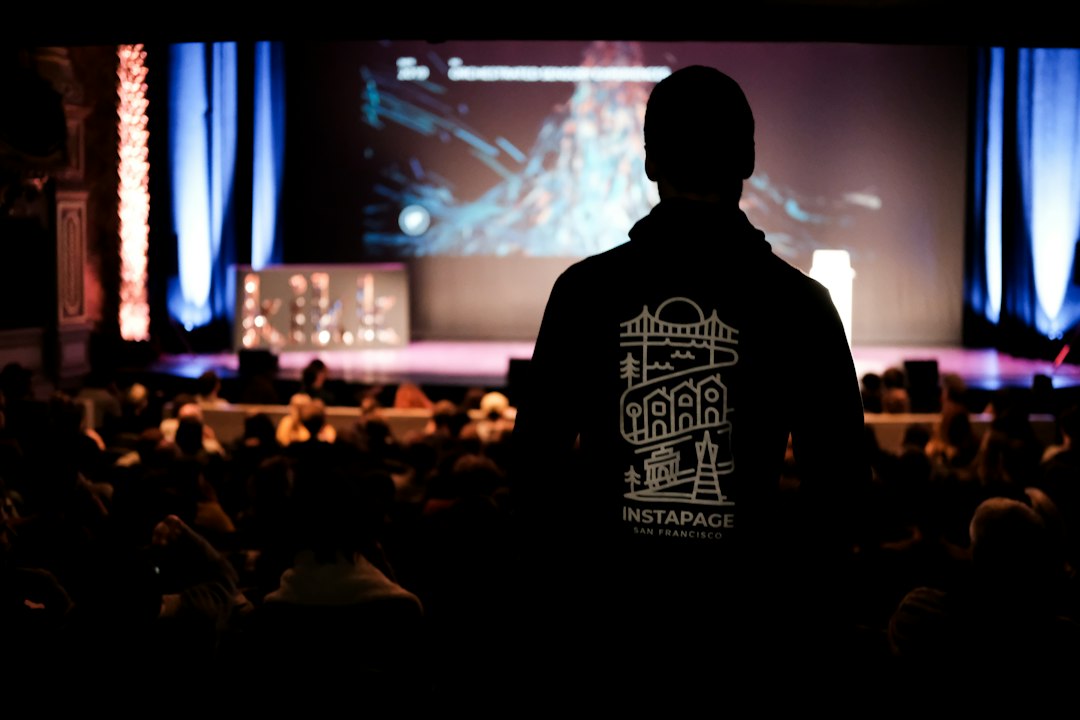
Microsoft and Nvidia held a launch party for the first wave of RTX Spark laptops last week in San Francisco, as reported by The Verge. The machines look like conventional Windows notebooks but house Arm-based processors, a Blackwell GPU, and a unified memory architecture that can reach 128 GB. The event highlighted a new Windows 11 Get Started flow that promises to install an AI agent in two clicks, positioning Windows as a first‑class platform for AI‑powered laptops. The report quotes Peter Dawoud saying "When users get into Windows for the first time, they’ll see a new Get Started experience".
Key points
- RTX Spark laptops run on Arm CPUs and Nvidia Blackwell GPUs, delivering unified memory up to 128 GB for local AI models.
- Windows 11 introduces a two‑click Get Started flow that installs AI agents from the Microsoft Store, starting with Hermes, Perplexity, and OpenClaw.
- Microsoft’s Prism emulator has been tuned for RTX Spark’s microarchitecture, with monthly updates that improve compatibility for x64 apps.
- Large local models run slower than cloud, so users may prefer overnight or background processing on RTX Spark laptops.
- Microsoft plans to add more AI agents, including Meta’s Muse, as the platform matures.
What happened
The San Francisco launch was a joint event between Microsoft and Nvidia that highlighted the first wave of RTX Spark laptops. According to the Verge, the machines look like conventional Windows notebooks but house Arm-based processors, a Blackwell GPU, and a unified memory architecture that can reach 128 GB. The event showcased the new Windows 11 Get Started experience, which promises to install an AI agent in two clicks.
Peter Dawoud, principal program manager at Microsoft, explained that the Get Started flow will let users find and launch an agent from the Windows Store without worrying about dependencies. The first officially supported agents are Hermes, Perplexity, and OpenClaw, and Microsoft is working on adding more, potentially including Meta’s Muse. In testing, Hermes installed in two clicks, while OpenClaw required an uninstall/reinstall due to a gateway issue.
Beyond AI, Microsoft focused on performance tuning for games and everyday apps. The company’s Prism emulator, which translates x64 code to the Arm core, has been heavily optimized for RTX Spark’s microarchitecture. Dawoud noted, "Every month we ship an update to improve compatibility." The team also invested in Unified Memory Architecture to allow developers to load large models into the 128 GB of RAM while preserving system responsiveness.
The backstory
Windows on Arm has struggled with app compatibility for over a decade, but the launch of Qualcomm’s Snapdragon X series laptops helped mature the platform by providing a larger ecosystem of Arm-native apps and a more robust emulator. Nvidia’s move to Arm with the RTX Spark laptops builds on that momentum, pairing the GPU’s AI capabilities with a unified memory design that was absent in earlier Arm laptops.
The Blackwell GPU, Nvidia’s latest architecture, introduces tensor cores and higher memory bandwidth, making it attractive for local inference workloads. However, the shift to Arm also demands significant OS and driver work to keep gaming and legacy applications performant, a challenge that Microsoft has addressed through monthly Prism updates and targeted micro‑architecture tuning.
Why the switch to ARM matters
The move to Arm CPUs in laptops signals a broader shift toward heterogeneous computing, where CPUs, GPUs, and memory are tightly coupled. For AI workloads, the unified memory of RTX Spark eliminates the data‑copy bottleneck that plagued earlier x64‑based laptops, enabling larger models to fit entirely in RAM. For developers, the two‑click agent installation lowers the barrier to entry, but the need for continuous emulation tuning means that performance will vary across software stacks. The trade‑off is clear: you gain AI density and power efficiency at the cost of a still‑evolving Windows‑on‑Arm ecosystem.
Implications for game developers and enterprise users
Gaming performance hinges on CPU frame pacing, so any latency introduced by emulation can degrade frame rates. Microsoft’s monthly Prism updates aim to smooth this by refining the x64‑to‑Arm translation, yet the current reliance on emulation for non‑native apps remains a risk for high‑frequency games. Enterprises that plan to deploy AI agents on laptops will benefit from the quick installation path, but they must also monitor model latency, as local inference will still lag behind cloud services. The unified memory architecture offers a compelling advantage for data‑intensive workloads, but developers will need to adapt code to leverage the 128 GB of RAM efficiently.
What builders and businesses should do
- Test your AI agents on RTX Spark hardware to verify installation flow and model latency, especially for large transformer models.
- Review your application’s CPU‑bound sections and assess whether Prism updates will mitigate any frame‑pacing issues for your games.
- Consider using the Microsoft Store to distribute custom AI agents, taking advantage of the two‑click install model.
- Plan for memory‑intensive workloads by profiling how much of the 128 GB you can safely allocate without impacting system responsiveness.
- Stay tuned for Microsoft’s next Prism update cycle, which may bring further compatibility fixes for legacy x64 binaries.
The bottom line
Watch for the next monthly Prism update and for Microsoft’s announcements on adding new AI agents, as they will dictate how smoothly RTX Spark laptops run both gaming and local inference workloads.